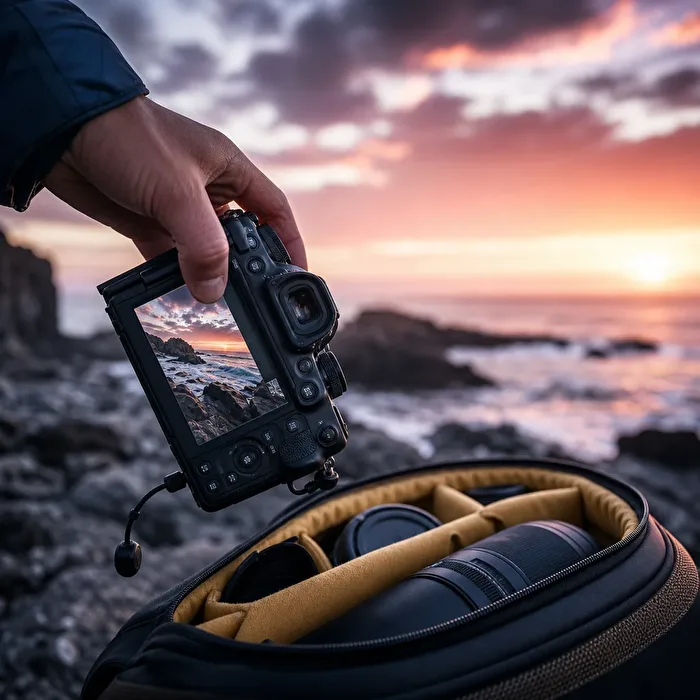
Not every photo belongs in your gallery. A before-and-after comparison, a shot of your camera setup, or a quick glimpse of the location can be incredibly useful for a conversation. Still, you might not want to showcase these types of images in your gallery. That’s exactly why we’ve introduced Snapshots: now you can upload images directly to your timeline and comments without them appearing in your gallery.
No impact on your gallery limit
The key benefit: Snapshots don’t count toward your upload limit. This lets you share many extra images for storytelling, explaining, and discussing without using up gallery space. Your gallery remains reserved for the photographic work you want to present deliberately, while supplementary and documentary images stay where they belong—within the relevant conversation.
Gallery photos and snapshots serve different purposes
Deliberate presentation vs. spontaneous sharing
In your gallery, selection, visual impact, and photographic quality are front and center. A snapshot doesn’t have to meet those standards. It can show your daily experiences, provide context, document a step in your workflow, or clarify a question. It’s not about judging good versus less good images, but about their intended purpose.
More ways to engage in photographic exchange
Typical snapshots include:
- a casual photo chat
- a quick phone shot
- a before-and-after comparison of an edit,
- the camera setup behind the main shot,
- two crops for comparing details or visual impact,
- a quick photo of the location,
- a screenshot to explain a question,
- multiple editing versions for joint evaluation,
- additional images to support an ongoing discussion,
- and so on.
Even today’s snapshot has its place here: a spontaneous observation, a personal moment, or a documentary image where social interaction matters more than presentation. This way, you can share more of what’s happening around your photography and you as a person without diluting your photographic profile.
A timeline more focused on images
Text posts stay personal
With this update, the visibility of timeline text posts changes: on the homepage, they will now only be shown to your photo friends. This shifts the general timeline’s focus more toward photos and community content, while personal texts remain within a more familiar circle.
Timeline posts remain visible on your profile
This doesn’t mean timeline posts are only visible to photo friends anymore. They can still appear on your profile. The change only affects how timeline posts are displayed on the homepage, creating a clearer emphasis there.
Show the story behind the image
Next time you want to explain an edit, show your setup, or enrich a discussion with an extra image, upload it directly as a snapshot in your timeline post or comment. This keeps your gallery thoughtfully curated while still giving your conversations all the images they need. What image would you share as a snapshot going forward that you previously didn’t want to add to your gallery?