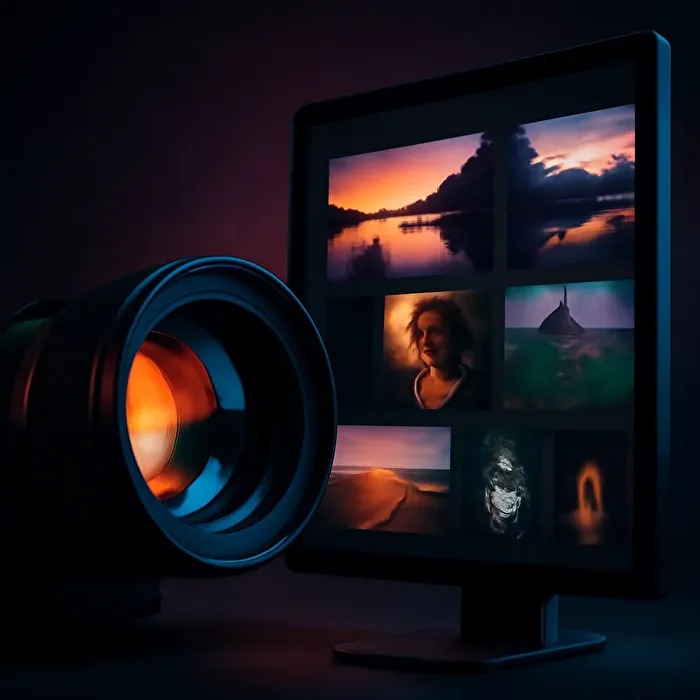
More space for your photos – sounds almost like an upgrade for your favorite lens, right? From now on, you can collapse the left sidebar in the Photoclub to free up your screen for what really matters: your images. Whether in the gallery, forum, or homepage – enjoy more room for your visual journey and relaxed browsing. This makes photographing and sharing even more enjoyable.
Gallery with a Wider View
When you collapse the sidebar in the gallery, the preview images literally expand beyond their usual size. More detail, more expression, more fun flipping through your favorite photos. It’s like zooming in without a camera – simply more space to showcase the art of your community.
Forum and Homepage – More Breathing Room
In the forum, less distraction means more space for your topics and texts. On the homepage, the images and member map benefit most, presenting themselves more generously. This makes your Photoclub experience much more relaxed and clearer, especially on smaller screens.
Responsive and Flexible – Just Like Your Favorite Lens
The Photoclub automatically adjusts to any screen size – fully responsive, like a lens that adapts to every subject. Plus, with your browser’s zoom function (Ctrl + mouse wheel), you can customize your experience even further. Practical and flexible, so you can focus on what really matters.
Try It Now and Enjoy More Space for Your Photos
Give collapsing the sidebar a try and discover how much more room you get for your photos and ideas. The Photoclub is all about giving you the best experience – so your images stand out even more and you can fully focus on your photography. Check it out now and feel free!
Your eye for what matters – more space for your passion in the Photoclub!