Click the image once, then click again -> click the 2nd SQUARE from the right at the top right -> below the image, either click the speech bubble on the left or Share -> SpeakerSoundscape: Eisschützenpolka
Click the image once, then click again -> click the 2nd SQUARE from the right at the top right -> below the image, either click the speech bubble on the left or Share -> SpeakerKlangkulisse: Eisschützenpolka
Bild einmal, danach noch einmal anklicken -> rechts oben 2. QUADRAT von rechts anklicken -> unter dem Bild entweder links Sprechblase anklicken oder Teilen -> Lautsprecher
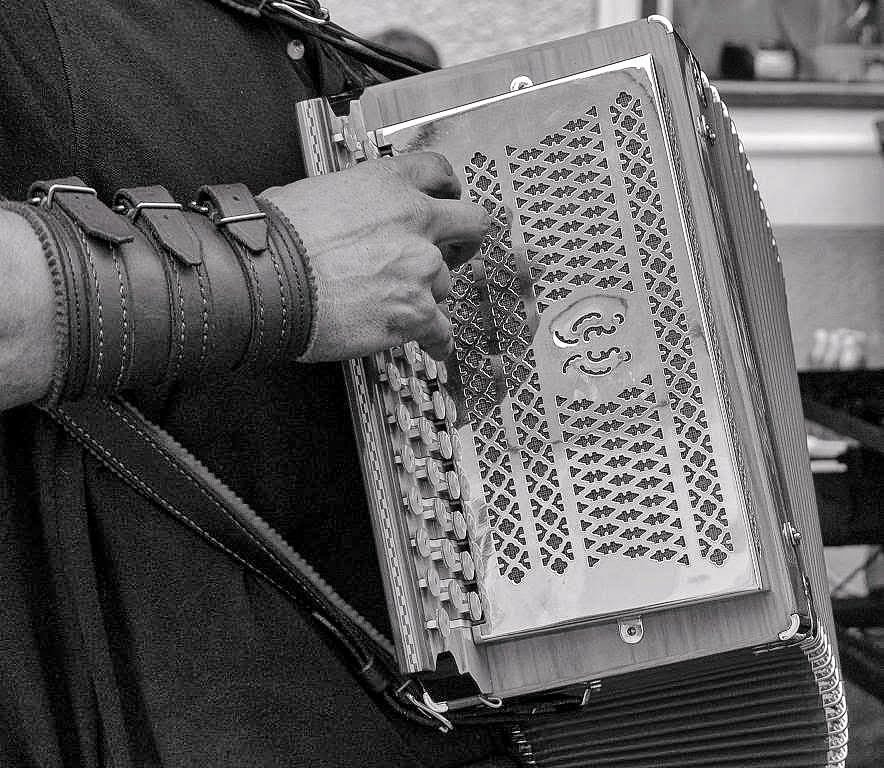

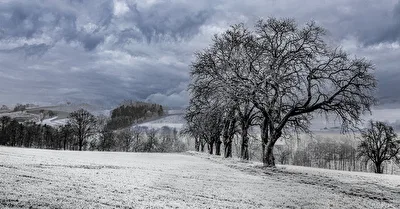
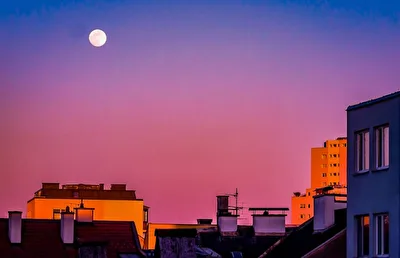
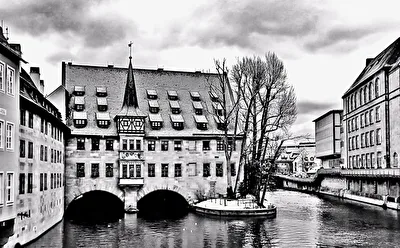



ButtonsButtonsKnöpfe
Soundscape: EisschützenpolkaClick the image once, then click again -> click the 2nd SQUARE from the right at the top right -> below the image, either click the speech bubble on the left or Share -> SpeakerSoundscape: Eisschützenpolka
Click the image once, then click again -> click the 2nd SQUARE from the right at the top right -> below the image, either click the speech bubble on the left or Share -> SpeakerKlangkulisse: Eisschützenpolka
Bild einmal, danach noch einmal anklicken -> rechts oben 2. QUADRAT von rechts anklicken -> unter dem Bild entweder links Sprechblase anklicken oder Teilen -> Lautsprecher